Let’s explore the top 7 Microsoft 365 (Office 365) backup and recovery solutions. These solutions feature, among others, automated backups, detailed reporting, and efficient deduplication.
We will guide you through their pros and cons and what can be your best bet if you consider finding the best Office 365 backup solutions for your organization.
List of Top 7 Office 365 Backup & Recovery Solutions
1: Veeam Backup for Microsoft 365: Offers the most flexible & full-fledged recovery options, with 25 distinct methods.
2: Rubrik Microsoft 365 Protection: Excels in advanced search tools & granular restoration capabilities.
3: Druva inSync: Provides easy cloud-to-cloud backup with on-demand scalability & reliable encryption.
4: Acronis Cyber Protect Cloud: Features point-in-time recovery & cross-user restore options.
5: AvePoint: Integrates extensive management & governance with automated protection for new resources.
6: Barracuda Cloud-to-Cloud Backup: Known for its consistent 24/7 technical support & solid data protection.
7: Datto SaaS Protection/Backupify: Best suited for small businesses with cloud-to-cloud backup needs.
Our experts can guide you in integrating these backup solutions with your business and operations.
We’ll share how you can implement best practices for optimal Office 365 backup needs.
How to Choose Office 365 Backup and Recovery Tools and Vendors?
It’s crucial to choose your best bet for your Office 365 backup solution needs. Here, we explore the top 7 M365 backup solutions and offer a detailed look at their features, relevance, and unique advantages.
1: Veeam Backup for Microsoft 365
Veeam has been pivotal in shaping modern backup solutions with its flagship product: Veeam Backup & Replication.
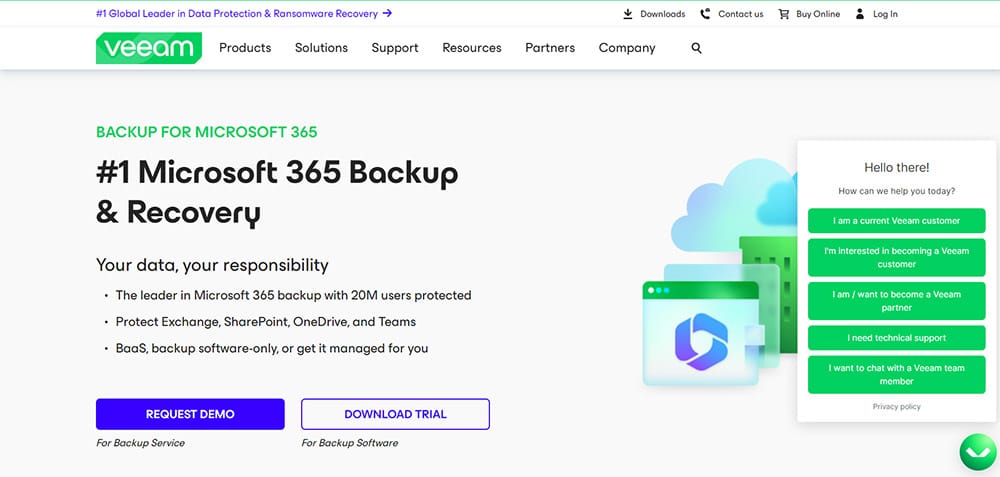
Veeam Backup for Microsoft 365 is renowned for its versatility & robust recovery options. Its origins date back to 2006, when it was founded by Ratmir Timashev and Andrei Baronov. The company initially focused on virtualization management and data protection. Then, they quickly gained traction for their reliable backup solutions.
Veeam’s dedication to innovation is evident in its continuous efforts to enhance Office 365 backup capabilities to cater to emerging threats and needs. A notable example is how Veeam’s solutions have been adopted by over 82% of Fortune 500 companies.
Pros
Flexible Recovery: Offers 25 distinct recovery methods.
Frequent Backups: Backups as often as every five minutes.
Granular Restore Capabilities: Item-level, mailbox, or entire site restoration.
User-Friendly Dashboard: Intuitive post-setup management.
Cons
Complex Initial Setup: Particularly challenging in hybrid environments.
High Resource Requirements: Huge storage and computing resources needed.
Cost: Expensive for large-scale deployments.
2: Rubrik Microsoft 365 Protection
Rubrik, founded in 2014, comes with Bulletproof Backups for Cloud Productivity. It has revolutionized data management by combining backup and recovery with advanced data governance.
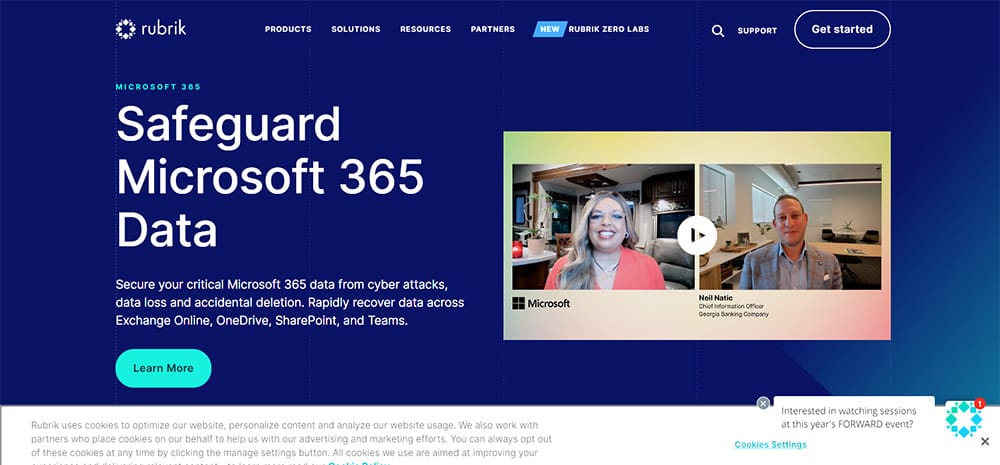
Rubrik Microsoft 365 Protection is ideal for large organizations heavily reliant on Office 365, looking for top-notch security and rare facilities like rapid recovery. Its focus on scalability and centralized management makes it a strong contender for enterprise environments.
However, smaller businesses might find its capabilities more than they need.
Rubrik protects your Microsoft 365 data (think Exchange, OneDrive, SharePoint, and Teams). It offers automated backups, rapid restores, and airtight security—all managed from a central hub called Rubrik Security Cloud.
Pros:
- Zero Trust Hero: Rubrik keeps your data stubbornly immutable (unchangeable) and logically air-gapped. It makes it a strong defense against insider threats.
- Speed Demon: Need to get your data back ASAP? No problem. Rubrik boasts high-performance backups and restores.
- Scale Champ: For a massive Office 365 environment with tens of thousands of users, Rubrik scales effortlessly to handle it all.
- Centralized Command: Manage your entire Office 365 backup operation from a single console – Rubrik Security Cloud.
- Microsoft Matchmaker: Rubrik integrates seamlessly with Microsoft’s Backup solution. The new combination is a faster and more dependable recovery solution for big enterprises.
Cons:
- Price Point: Rubrik comes with a heftier price tag than some essential backup solutions.
- Focus on Large Orgs: Rubrik scales well, but its feature set might be overkill for very small businesses with limited O365 backup needs.
3: Druva inSync
inSync takes the hassle out of backing up your Office 365 data. Its effortless backup for Office 365 and even beyond brings a cloud-native approach to data protection. In fact, inSync is one of Druva’s flagship products.
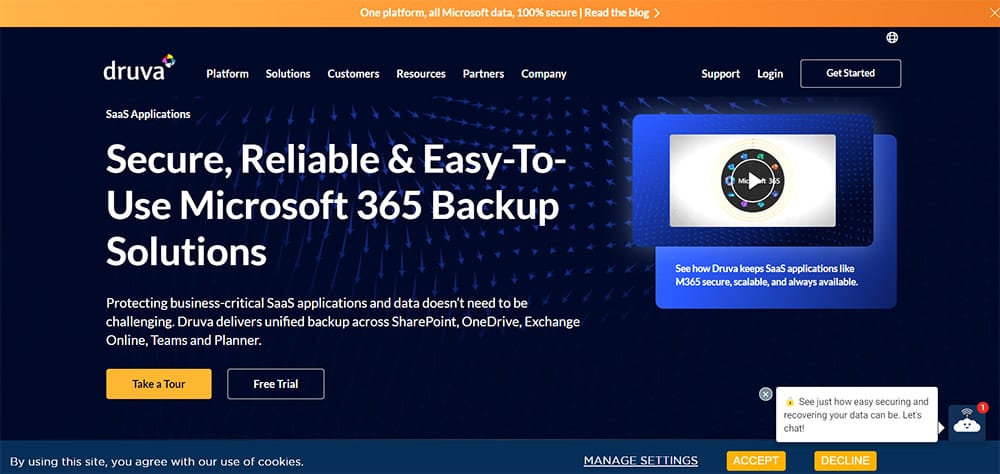
It’s a cloud-to-cloud solution, meaning no need for complex on-premise hardware/software. Simply install the agent and Druva inSync seamlessly handles the rest.
However, it’s important to consider your budget and storage needs before committing.
Pros:
Complete Office 365 Coverage: Back up Exchange Online mailboxes, OneDrive for Business files, SharePoint sites, Teams data – all in one place.
Set-and-Forget Simplicity: Schedule automatic backups and inSync runs silently in the background. No need for vigilant monitoring.
Granular Recovery: Restore specific files, emails, even entire folders with ease.
Advanced Security: Ransomware protection ensures your data is safe from encryption attacks. AES 256-bit encryption for data at rest and TLS 1.2 for data in transit provide extra security layers.
Compliance: Supports SOC 2 Type 2, HIPAA, Privacy Shield, etc.
Scalability: inSync scales effortlessly as your business needs expand.
Cons:
Limited Free Plan: The free tier only offers basic features with limited storage.
Pricing Can Be High: For larger businesses, Druva inSync can be a pricier option compared to other options.
Manual Configuration: Requires manual setup of permissions and accounts.
4: Acronis Cyber Protect Cloud
Acronis Cyber Protect Cloud perfectly integrates Office 365 backup and cybersecurity. It comes with a holistic approach to data protection. Founded in 2003, Acronis has been a pioneer in cybersecurity for its innovative combo of cyber protection and backup capability.
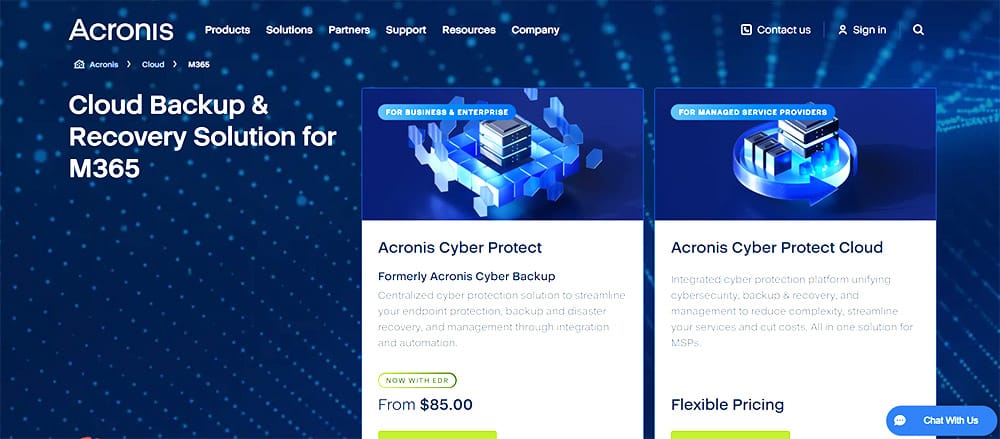
Acronis has a rich history of innovation in data protection. One of its biggest contributions is the integration of AI-based ransomware protection. It has helped a huge number of their customers prevent data breaches. Their Office 365 backup solutions are used by more than 5 million consumers and 500,000 businesses.
Pros
Combines backup with advanced cybersecurity features.
Granular Restore Options: item-level, point-in-time, cross-user restores.
The support is high-quality, Italian, American, German, etc.
Their team offers custom advice while scaling, which is rare for such SaaS solutions.
Supports both on-premises and cloud object storage.
Strong encryption for data at rest and in transit.
Cons
Limited centralized management: Acronis is difficult for MSPs who have to manage many accounts centrally. You’ll need to manage individual accounts separately.
Licensing Costs: Expensive due to separate licenses for each user account.
Setup Complexity: Requires manual configuration of permissions and service accounts.
Auto refresh is sometimes unresponsive with backup storage, whereas there are complaints about archive sizing glitches as well.
5: AvePoint
AvePoint is a premier Office 365 backup solution specifically suitable for Microsoft 365 apps. Founded in 2001, AvePoint has carved a niche for itself by helping countless organizations in the seamless migration, management, and protection of their Office 365 data.
AvePoint’s extensive range of tools enables Office 365 organizations to adhere to stringent regulatory frameworks. For example, its governance solutions have been instrumental during large-scale data migrations to ensure compliance with industry-specific regulations like HIPAA for healthcare or GDPR for businesses operating within the EU.
That said, AvePoint is trusted by 16000+ organizations globally, including numerous entities listed in the Fortune 500.
Pros
A rich toolkit with advanced features like policy enforcement, permission management, content lifecycle control, etc.
Automated protection with detection capabilities and security features for new resources. So, no manual intervention is needed to minimize data breach risks.
Flexible storage options like on-premises, cloud, hybrid models, etc.
Detailed reports on compliance adherence and Office 365b backup integrity, all essential for audits and routine checks. That means transparency and accountability become easy with this backup tool.
Cons
Setup Complexity: The initial setup process can be intricate, particularly with configuration choices related to licensing and storage. It may require specialized knowledge/consultation.
Ongoing Management: AvePoint automates many tasks, but ongoing monitoring is necessary to ensure optimal compliance. This could strain resources in small IT departments.
Cost: The comprehensive capabilities come with a price tag that might be prohibitive for smaller enterprises.
6: Barracuda Cloud-to-Cloud Backup
Barracuda Networks provides security, networking, and storage products based on network appliances and cloud services. Its Cloud-to-Cloud Backup solution offers reliable backup for Office 365.
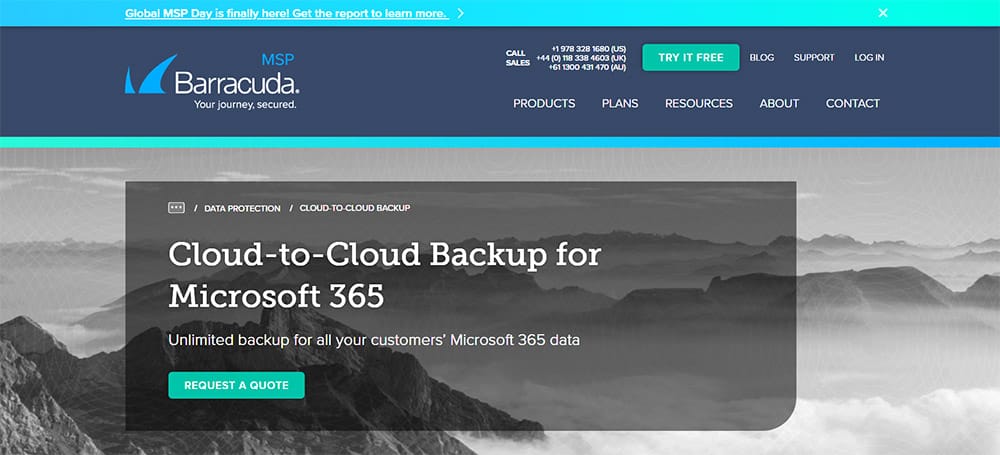
Barracuda is particularly famous for its support for a wide range of Microsoft 365 data types i.e. Exchange Online, OneDrive for Business, SharePoint, Teams, etc.
Barracuda’s commitment to security is evident in its Cloud-to-Cloud Backup for Office 365 solution. It comes with full-fledged protection for Microsoft 365 data as it’s a trusted name in the industry for its robust security features, which protect 200000+ customers globally.
Pros
Granular Protection: Offers point-in-time retrieval & scheduled backups.
Deeper Integration for Microsoft 365: Workflows & functionalities compared to generic solutions.
Flexible Storage: Supports backup to various cloud object storage solutions.
Security: Military-grade AES encryption.
24/7 Support: Reliable around-the-clock technical support.
Cons
Licensing Costs: A separate license is required for each user.
Setup Complexity: Initial setup can be intricate & time-consuming.
7: Datto SaaS Protection
Datto is known for its comprehensive Office 365 backup solutions, with a storing focus on data protection. Datto SaaS Protection (formerly Backupify) is highly relevant for Microsoft 365. Datto was founded in 2007 and has grown to become a leading backup solution for Office 365.
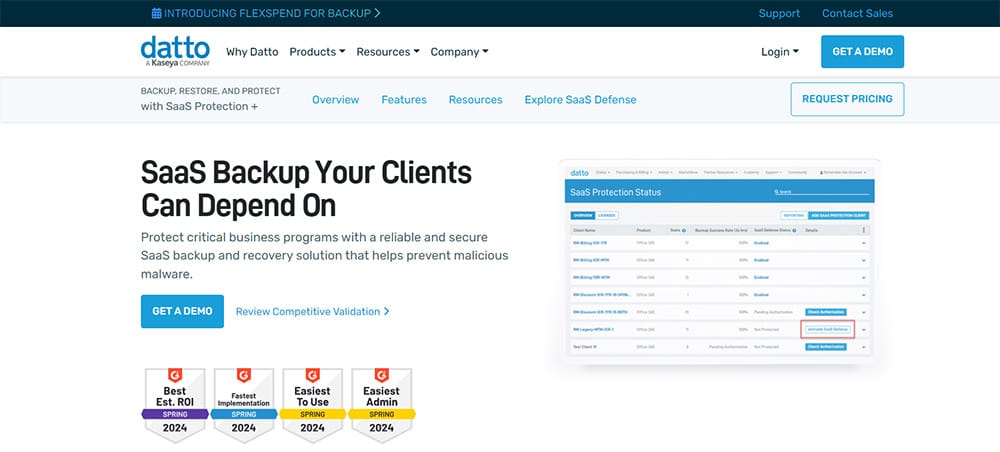
Datto SaaS Protection is particularly popular among SMEs for its ease of use and reliable cloud-to-cloud backup capabilities. This backup tool has been instrumental in helping businesses ensure continuity and data security in the event of accidental data loss.
Pros
Ease of Use: User-friendly interface & easy setup.
Reliable Cloud Backup: Robust cloud-to-cloud backup capabilities.
Comprehensive Coverage: Protects a wide range of Microsoft 365 data.
Scalability: It can meet growing data needs.
Cons
Limited Advanced Features: The tool may lack some of the latest features compared to enterprise-grade solutions.
Service Coverage: Limited support for less commonly used Office 365 services.
Cost: On the expensive side, especially with extensive storage needs.
CTA: Contact Our Office 365 Backup Experts Now
Conclusion
Each of these backup solutions offers distinct advantages. Acronis stands out for integrating cybersecurity with backup. In contrast, AvePoint excels in comprehensive management tools. Barracuda offers robust security and support, while Datto comes with user-friendly, reliable cloud-to-cloud backup. Understanding your specific requirements and constraints will help you choose the best fit for your organization.
At WME, we specialize in guiding businesses through integrating these backup solutions. We ensure you follow best practices to maximize Office 365 backup and recovery efficiency.
Let us help you secure your Microsoft 365 environment with the solution that best suits your needs.
Windows Management Experts
Now A Microsoft Solutions Partner for:
✓ Data & AI
✓ Digital and App Innovation
✓ Infrastructure
✓ Security
The Solutions Partner badge highlights WME’s excellence and commitment. Microsoft’s thorough evaluation ensures we’re skilled, deliver successful projects, and prioritize security over everything. This positions WME in a global tech community, ready to innovate on the cloud for your evolving business needs.