
File Server to SharePoint Migration
Move Your File Server to SharePoint Online – Smooth, Secure, and Organized
Managing a traditional file server can be slow, messy, and frustrating for both IT teams and end users.
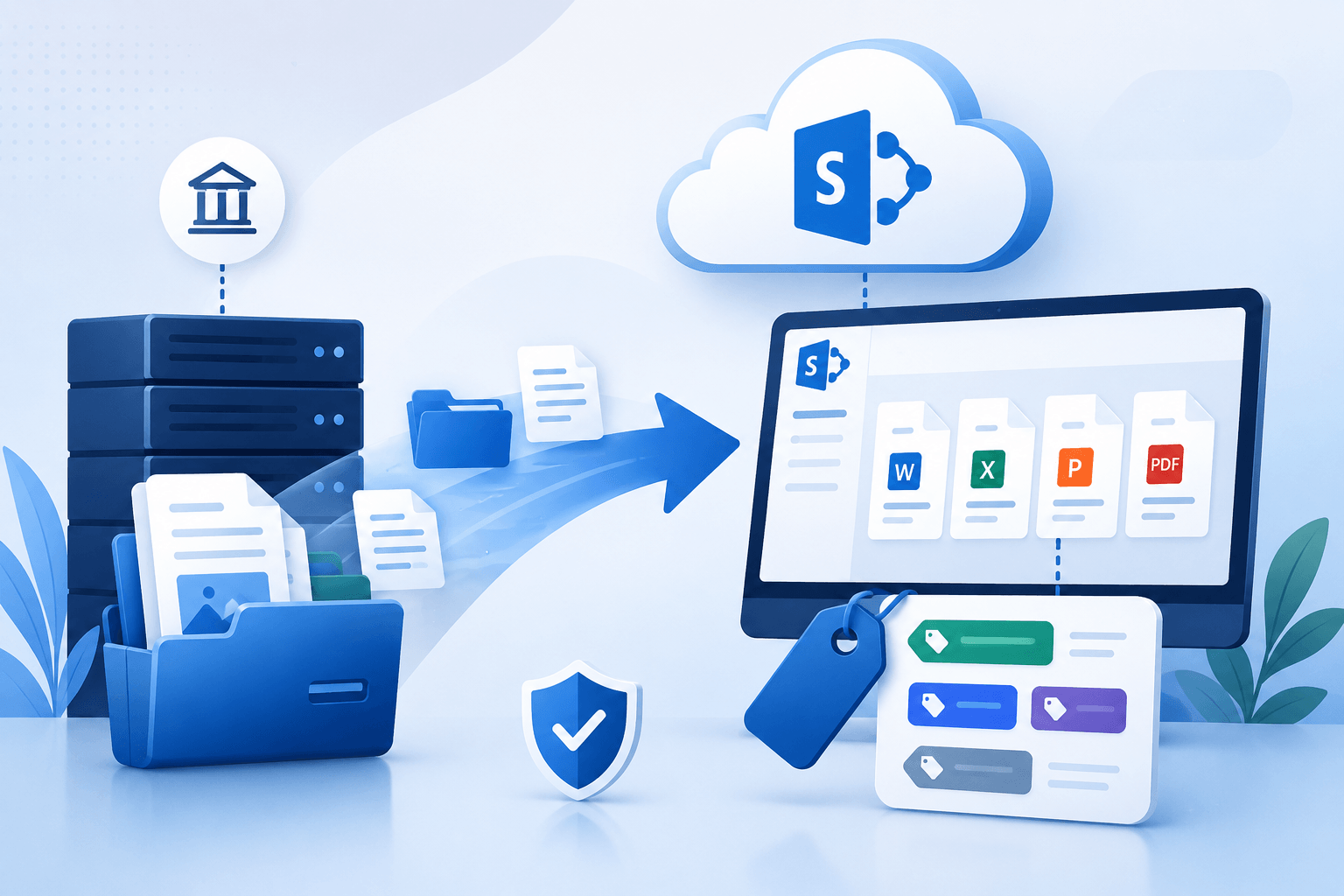
With WME, you can migrate your file server to SharePoint Online confidently, keeping your folder structure intact, preserving file permissions, and organizing content for better collaboration.
Your teams get secure access from desktops and mobile devices, while IT gains governance, version control, and oversight without endless manual work. Whether it’s shared drives, site collections, or important archives, we make sure your files arrive safely, organized, and ready for modern collaboration.
Trusted by 500+ Global Brands and Backed by Industry Leading Tech Partners








Why Move from File Server to SharePoint
Traditional file servers were great for storing files, but in today’s hybrid work environment, they create more headaches than solutions.
Deep folder hierarchies, duplicated files, and limited remote access slow down your teams and make managing permissions a nightmare.
Migrating your file server to SharePoint Online gives you a modern, cloud-based workspace where content is easier to find, share, and govern.
With Microsoft 365 and Office integration, you can access files from desktops, mobile devices, or even while collaborating in Microsoft Teams. Leveraging the advantage of the latest features, your teams get faster search, better metadata organization, and version history, all while IT retains control and visibility.
Say goodbye to cluttered network drives and hello to a streamlined, secure SharePoint environment.
Common Migration Challenges
Moving from a traditional file server to SharePoint Online is about keeping your content secure, organized, and usable. Many organizations run into common challenges during migration:
Permissions mapping
Ensuring share permissions and file permissions carry over correctly for every user can be tricky, especially with complex folder structures.
Messy folder hierarchies
Deep, cluttered folders make it hard to migrate data cleanly and can confuse end users in the new environment.
File sprawl & number of files
Large numbers of files, multiple file types, or redundant content can slow migration and cause errors.
Version history & document management
Preserving version history while setting up proper document management is critical for compliance and collaboration.
Planning and expert execution prevent these challenges from becoming costly disruptions.
Say goodbye to cluttered network drives and hello to a Microsoft 365 environment that actually works for everyone.
Everything Included in Your Migration
When you migrate file servers to SharePoint Online, you are preserving structure, access, and context. WME ensures that everything critical makes the move, including:
Files and folders
All active files, shared drives, and local file shares move with their original hierarchy intact.
Permissions and metadata
User access, share permissions, and metadata are preserved so teams can continue working without disruption.
Site collections and document libraries
Your SharePoint site structure is maintained, including site collections and web parts for smooth adoption.
Version history and e-mail notifications
Past versions, authorship, and related e-mail notifications are carried over to retain audit trails.
Additional information
Any other critical data, extra questions, or contextual content needed for compliance and usability.
This ensures a clean, organized start in SharePoint Online, ready for modern collaboration.
WME’s End-to-End Migration Process
Migrating from a traditional file server to SharePoint Online can feel overwhelming, but WME makes it predictable and secure. Our approach is structured around three key phases:
Assessment & Planning
We start by auditing your files, permissions, and information architecture. Using tools like Migration Manager, we map out what to migrate, identify redundant or obsolete content, and plan for the number of files and site collections to be moved.
Execution & Transfer
Our team handles the heavy lifting, migrating file shares with the Microsoft SharePoint Migration Tool. Permissions, metadata, and document management are preserved, ensuring that end users can continue work seamlessly.
Post-Migration Stabilization
Once your files are in SharePoint Online, we support adoption across desktops and mobile devices, integrate with OneDrive for Business and Microsoft Teams, and provide training so your teams can use the platform effectively from day one.
This structured process reduces risk and ensures your organization benefits from modern collaboration right away.
Protect every mailbox, calendar, and email address while moving to the cloud effortlessly.
Secure Migration: Permissions and Compliance
Moving to SharePoint Online is primarily about control. Without proper governance, permissions can get messy, security can slip, and content becomes hard to manage. WME ensures your migration addresses all these risks.
Permissions and access control
Governance and content management
Security and technical oversight
Compliance and accountability
With WME handling risk, IT teams can focus on innovation rather than firefighting.
Post-Migration Care and Business Continuity
Migration isn’t the end…it’s just the beginning.
WME makes sure your teams get the guidance and support they need to thrive in SharePoint Online.
End-user training
We help your teams understand how to navigate SharePoint sites, access files from mobile devices, and collaborate in Microsoft Teams.
Ongoing support
Our experts provide technical support for any issues and answer extra questions from staff to keep workflows smooth.
Notifications and updates
Related e-mail notifications and alerts are configured to maintain communication and accountability.
Future readiness
We provide additional information and guidance for next steps, ensuring governance and adoption remain strong.
With WME, you get a modern workspace your teams can actually use.
Effortless Execution
We handle complex migrations from start to finish, ensuring mail flow, user accounts, and folder structure move seamlessly with minimal disruption.
Content Integrity
From mailboxes to public folders, calendar events, and document permissions, everything arrives intact and ready for immediate use.
Guided Adoption
Our team supports both end users and IT staff after migration, helping everyone confidently transition to Microsoft 365 workflows.
Predictable Outcomes
Leveraging trusted tools like Microsoft SharePoint Migration Tool and proven processes, we deliver risk-controlled, reliable migrations that align with your business goals.
Choosing the right partner makes all the difference. WME is a certified Microsoft 365 and Office migration expert with years of experience moving organizations from premises file servers to SharePoint Online.
Why IT Leaders Trust WME
REAL-WORLD MIGRATION RESULTS
See How We've Helped Organizations Modernize Their Microsoft Environments



Ready to Migrate Your File Server to SharePoint Online?
Don’t let legacy storage slow your teams down. With WME, you can migrate file server to SharePoint confidently, preserve permissions, organize content, and enable modern collaboration across desktops and mobile devices.
Our certified experts handle planning, execution, and post-migration support so your organization can focus on what matters most.
Give your IT team a migration plan they can trust and your users a transition they barely notice.