
Zoom to Microsoft Teams Migration Services
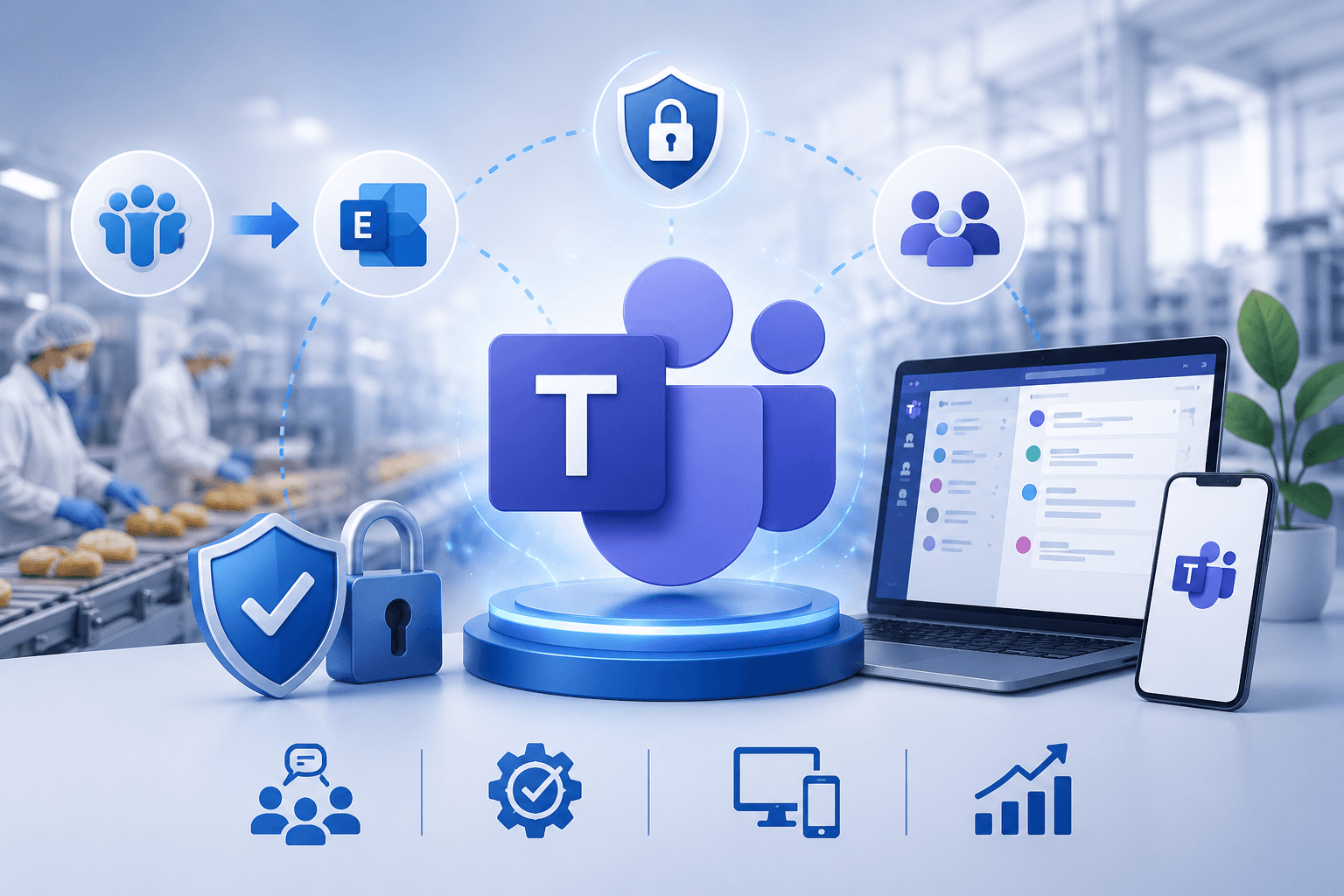
Moving from Zoom to Microsoft Teams is all about creating a unified collaboration experience for your organization.
Secure, Structured Microsoft 365 Migration with Minimal Downtime
WME helps you consolidate your Zoom account, meetings, and Zoom Rooms into a single platform, giving your IT leaders good control over account settings, compliance requirements, and security features.
Our migration process ensures that all your Zoom meetings, video calls, meeting recordings, chat history, and recurring calendar invites transfer seamlessly into your Teams environment.
We also support helpdesk guidance, knowledge base access, and training sessions to ensure rapid user adoption. At the end, whether it’s video meetings, chat messages, or workflow automation, we make sure your Teams data is secure and fully functional.
Trusted by 500+ Global Brands and Backed by Industry Leading Tech Partners








Why Organizations Move from Zoom to Teams
Many organizations realize that managing multiple collaboration platforms creates inefficiency, higher licensing costs, and fragmented communication.
Migrating from Zoom to Teams helps IT leaders simplify account settings, consolidate Zoom accounts, and provide employees with a single platform for meetings, chat, and file sharing.
Teams offers a collaboration experience that integrates video meetings, group chat, file sharing, AI Companion features, and workflow automation, all in one environment.
When you move to Teams, your organization gains better control over compliance requirements, security features, and user adoption, ultimately ensuring a smooth transition for both internal and external users.
Where Teams Delivers Immediate Value:
Platform consolidation
Reduce dependence on Zoom meetings, Zoom Rooms, and Zoom web portal while centralizing Microsoft Teams users and data.
Optimized communication tools
Enable employees to use chat messages, meeting recordings, screen sharing, and meeting options seamlessly in one place.
Improved business impact
Faster decision-making, stronger business continuity, and measurable cost savings.
Better IT management
Full visibility into call queues, auto attendants, Direct Routing, Microsoft Teams Phone System, and dial pad setups.
Enhanced collaboration experience
With navigation menu customization, workflow automation, AI Companion, and new features, your teams can maximize productivity without switching platforms.
Migrating to Teams is beyond replacing Zoom…and about aligning technology with your business goals, creating a seamless transition, and providing employees with modern collaboration tools that drive adoption and engagement.
Where Zoom to Teams Migrations Get Complicated
Moving from Zoom to Teams sounds straightforward…until the details start stacking up.
WME takes on the complexity, so your team doesn’t have to. Even with a defined migration plan, there are critical areas where things can break if not handled correctly.
Meetings and Recordings Transition Smoothly
Every Zoom meeting, recording, and recurring calendar invite must be carefully mapped into your Teams environment. Without proper configuration, Zoom Rooms and account settings can disrupt video call continuity. WME ensures your migration process captures essential metadata, transcripts, and meeting options, enabling a seamless transition without losing context or access.
Chat and Collaboration Without Losing Context
Migrating chat history and group threads is about keeping conversations usable and secure. With workflow automation and tool dependencies in play, the risks are high. WME ensures Teams data remains structured, compliant, and accessible, so end users can continue collaborating naturally and pick up right where they left off.
User Adoption Without Friction
A platform shift impacts more than systems. It affects people. Without the right support, end users fall back to old habits, and IT support gets overwhelmed.
That’s why WME builds in training sessions, helpdesk support, and a structured knowledge base. We also account for compliance requirements, security features, and real usage patterns, so adoption feels natural, and business continuity stays intact.
Licensing and Platform Optimization That Actually Pays Off
Migration is your chance to fix what wasn’t working. Many organizations carry unnecessary licensing costs across multiple collaboration platforms.
WME analyzes your Zoom account, Zoom web portal usage, and Microsoft Teams Phone System needs, including Direct Routing, dial pad, and call queues, to streamline everything into a setup that’s efficient, scalable, and aligned with how your teams actually work.
What Gets Migrated: Everything You Need in Teams
When you partner with WME for Zoom to Teams migration services, we move all your essential collaboration elements so your teams can continue working without missing a beat. Basically, preserving your full collaboration ecosystem.
Meetings and Scheduling
Chats and Conversations
File Sharing & Attachments
Voice & Phone Integration
Compliance & Governance
With WME, nothing gets left behind. From Zoom meetings and recordings to group chat, file sharing, AI Companion, and phone features, your Microsoft Teams Migration is complete, secure, and ready for immediate adoption.
Stop juggling platforms. Consolidate your tools and ensure smooth user adoption with WME.
Structured Approach to Moving from Zoom to Teams
Migrating from Zoom to Teams requires careful planning to ensure business continuity, secure data handling, and a smooth transition for every user.
Assessment & Planning
We review your Zoom accounts, settings, and usage patterns to identify priority items such as meetings, recordings, and collaboration workflows. This ensures your Teams environment is prepared before migration begins.
Validation & Quality Assurance
We perform checks on Teams settings and migrated data, addressing inconsistencies and ensuring workflows are functional.
Pilot Migration
A small group of users and selected meetings are migrated first. Teams Phone System features, call queues, and auto attendants are configured and validated to confirm readiness for broader rollout.
Full Migration
Remaining meetings, recurring invites, and Zoom Rooms configurations are transitioned. Recordings and chat history are exported and reintroduced into Teams where feasible, ensuring continuity while aligning with compliance and security requirements.
Handover, Support & Adoption
End users receive training and onboarding resources, while IT teams gain guidance on Teams Phone System and Direct Routing. This structured approach supports adoption, reduces confusion, and maximizes long-term value.
Setting Your Teams Environment Up for Real Adoption
Migrating from Zoom to Teams is only half the journey. Ensuring user adoption and a seamless transition is what makes your migration successful.
WME helps organizations turn Teams into the central collaboration platform where meetings, chats, and workflows thrive.
End-User Onboarding
- Employees receive guidance on Zoom to Teams migration, including AI Companion features, chat messages, group chat, and file sharing.
- Training sessions cover video meetings, screen sharing, Meeting Options, and navigation menu features, so users feel confident from day one.
- External users and guest access are integrated into Teams without disrupting collaboration.
IT Enablement and Support
- IT leaders get clear visibility into account settings, call queues, auto attendants, Microsoft Teams Phone System, Direct Routing, and phone feature configurations.
- Our helpdesk and knowledge base ensure any issues are quickly resolved, supporting business continuity.
- Monitoring usage patterns helps IT optimize Teams for ongoing efficiency and the effectiveness of communication tools.
Workflow and Collaboration Optimization
- We configure workflow automation, file sharing, AI Companion, and new features to replicate Zoom workflows in Teams.
- Teams becomes the single platform for meetings, video calls, chat, and file collaboration, reducing the friction of switching between tools.
- Adoption programs emphasize business goals, decision making, and collaboration experience to maximize ROI.
REAL-WORLD MIGRATION RESULTS
See How We've Helped Organizations Modernize Their Microsoft Environments



Ready to Move from Zoom to Microsoft Teams?
Your organization is already planning the migration…now it’s time to partner with experts who can make it seamless, secure, and fast.
Don’t let your Zoom workflows slow down your teams. With WME, your Microsoft Teams Migration is faster, safer, and fully aligned with your business goals.
Empower your employees with a single platform for collaboration.