
Our Story

Who we are and how we solve complex IT challenges.

Our Certifications

Microsoft certifications and partnerships validating our technical expertise.

Leadership

Meet the Experienced Leadership Team Driving WME’s Success

Advisory Updates

Expert guidance on Microsoft, security, and compliance developments.

Case Studies

Real-world outcomes from complex Microsoft-focused IT engagements.

Podcast

Podcasts, panels, and interviews where WME leaders share how they help high-growth companies and IT partners scale.

Ebooks

Practical guides on the Microsoft moves you can’t afford to get wrong.

Financial Industry

Secure technology solutions for regulated banks and financial institutions.

Healthcare

Secure Microsoft solutions for compliant, connected, and modern healthcare organizations.

Manufacturing

Cloud and security solutions supporting modern manufacturing operations.

Non-Profit

Cost-efficient Microsoft solutions for mission-driven organizations.

Public Sector

Microsoft-based IT services for secure public sector modernization.

High Tech

Scalable cloud, security, and staffing for fast-growing technology companies.

SMBs

Scalable cloud, security, and staffing for fast-growing technology companies.

Cloud Migration Services

Transition your workloads to the cloud securely for greater scalability and performance.

Data Migration Services

Securely transfer your business data with minimal downtime and maximum integrity.

Application Migration Services

Move your applications seamlessly to modern platforms with minimal business disruption.

Identity & Security Migration Services

Strengthen identity management and security while transitioning to modern Microsoft solutions.

Security Solutions

Protect your business with proactive cybersecurity, compliance, and risk management solutions.

Endpoint Management

Secure, manage, and monitor every device with modern endpoint management solutions.

Licensing Optimization

Get discounted pricing, a dedicated licensing team, and a plan that fits how many seats you actually use.

Power Platform

Unlock the full potential of the Microsoft Power Platform Suite to streamline operations, automate repetitive tasks, and gain real-time insights that drive business growth.

Sharepoint Solutions

Supercharge your business productivity and enhance visibility through our proven SharePoint expertise.

IT Staffing

Connect with skilled IT professionals to strengthen your team and accelerate project delivery.

Accounting & Finance

Connect with experienced accounting and finance professionals to support your business goals.

CASE STUDY # 7

Case Study Logo PNG

SharePoint Online | PowerShell | Migration | Content Tagging

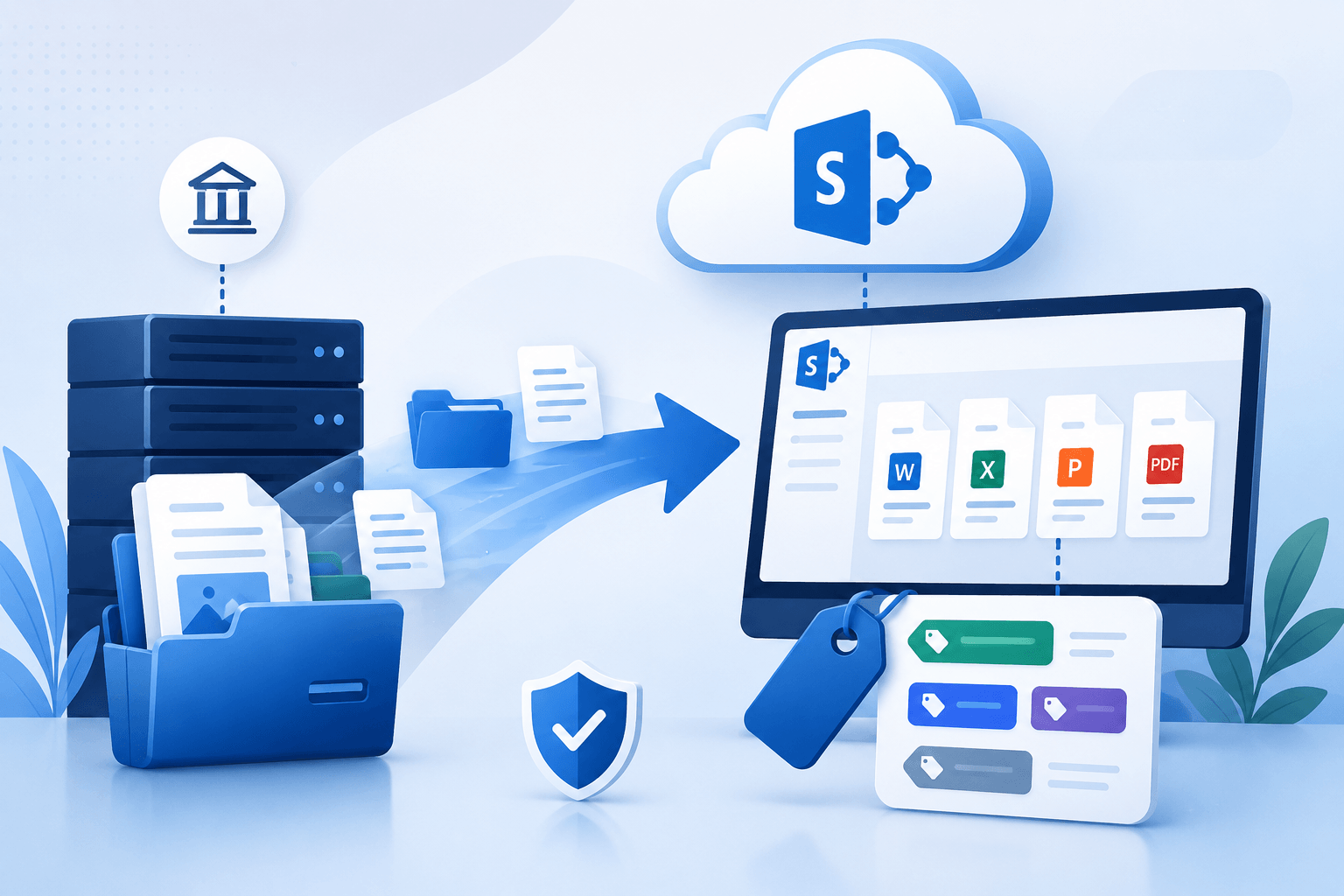
SharePoint Migration and Content Tagging Solution

Client Industry: Nonprofit/Community | Foster Parenting

Client Environment: On-Premises SharePoint

The Problem/Opportunity

The client was a nonprofit organization. They requested our assistance in migrating their existing on-prem SharePoint content to SharePoint Online. Additionally, they needed a working solution to categorize their files using specific tags. These tags would be applied to the content post-migration.

The WME Solution

We employed the ShareGate SharePoint migration tool to seamlessly transfer all on-prem content to SharePoint Online. It was part of the customer’s request to develop a custom PowerShell script to parse, tag files according to their predefined categories. After the tagging was done, we migrated the tagged content subsets to SharePoint Online using the tool, ShareGate.

Challenges We Faced & Solved

Challenge # 1

The migration process took longer than expected due to the sheer volume of content involved. ShareGate tools had been running for days so it significantly impacted the overall timeline.

Solution

We addressed this problem by optimizing the ShareGate delta sync process. We also developed that custom PowerShell script to parse, delete irrelevant docs from the staging library. This cleanup reduced the overall data volume. Ultimately, it allowed us to make the migration tool run way more effectively.

Challenge # 2

Scope changes during the project led to an expanded workload. So, they made before us a change request and we approved it to accommodate the additional tasks and ultimately ensured all their evolving needs were met.

Solution

We managed the change by incorporating a scope expansion. We also maintained clear communication with the customer. This allowed us to deliver the migration and tagging solution, adapting well to the evolving project scope.

The Final Outcome

The migration was completed successfully and all the content was transferred to SharePoint Online, all appropriately tagged, fully functional. The customer was satisfied with the efficiency of the migration. They also approved the seamless integration of the tagging solution. All in all, they enjoyed a quite enhanced content organization and accessibility regime.