
Google Workspace to Microsoft 365 Migration
Seamlessly Migrate Google Workspace to Microsoft 365 with WME. Our structured migration process moves your email, Google Drive files, Shared Drives, calendars, contacts, and user accounts into Exchange Online, SharePoint Online, OneDrive, and Microsoft Teams.
Secure, Structured Microsoft 365 Migration with Minimal Downtime
Windows Management Experts (WME) delivers Google Workspace to Microsoft 365 migration services designed for organizations that cannot afford disruption.
We ensure every email address stays intact, maintain full data integrity, and deliver a smooth migration with minimal downtime.
Your teams stay productive from day one, and the transition to the new platform is secure, predictable, and stress-free.end so your end users experince minimal disruption while your organization gains the full capabilities of Microsoft 365, including Microsoft Teams, SharePoint Online, and other cloud services.
Trusted by 500+ Global Brands and Backed by Industry Leading Tech Partners








Why Organizations are Migrating from Google Workspace
Many organizations choose to migrate from Google because their teams need a more integrated productivity platform. Microsoft 365 combines Office apps, Microsoft Teams, SharePoint Online, and OneDrive into a single environment, making collaboration smoother and more secure.
Companies often face challenges with Google Drive management, Shared Drives organization, and limited control over user accounts and email addresses.
A structured Google Workspace to Microsoft 365 migration helps maintain data integrity, protects important files, and ensures minimal downtime.
How Teams Thrive After Migration
Unified collaboration across Microsoft Teams and Office apps
Simplified management of user accounts and permissions
Centralized file storage and cloud storage
Stronger security and compliance through Microsoft 365 Admin Center
“
A well-planned migration reduces risk, preserves existing workflows, and keeps end users productive from day one.
Everything That Moves to Microsoft 365
A successful Google Workspace to Microsoft 365 migration moves more than just email.
WME ensures every critical element of your digital workspace transitions smoothly, keeping your teams productive and minimizing disruption.
Email and User Mailboxes
We migrate Gmail accounts into Exchange Online, preserving every email address, mailbox structure, and calendar events. Your user accounts are carefully mapped, ensuring end users can access their emails without interruption. This email migration guarantees continuity for daily operations and protects against data loss.
Files and Collaboration Tools
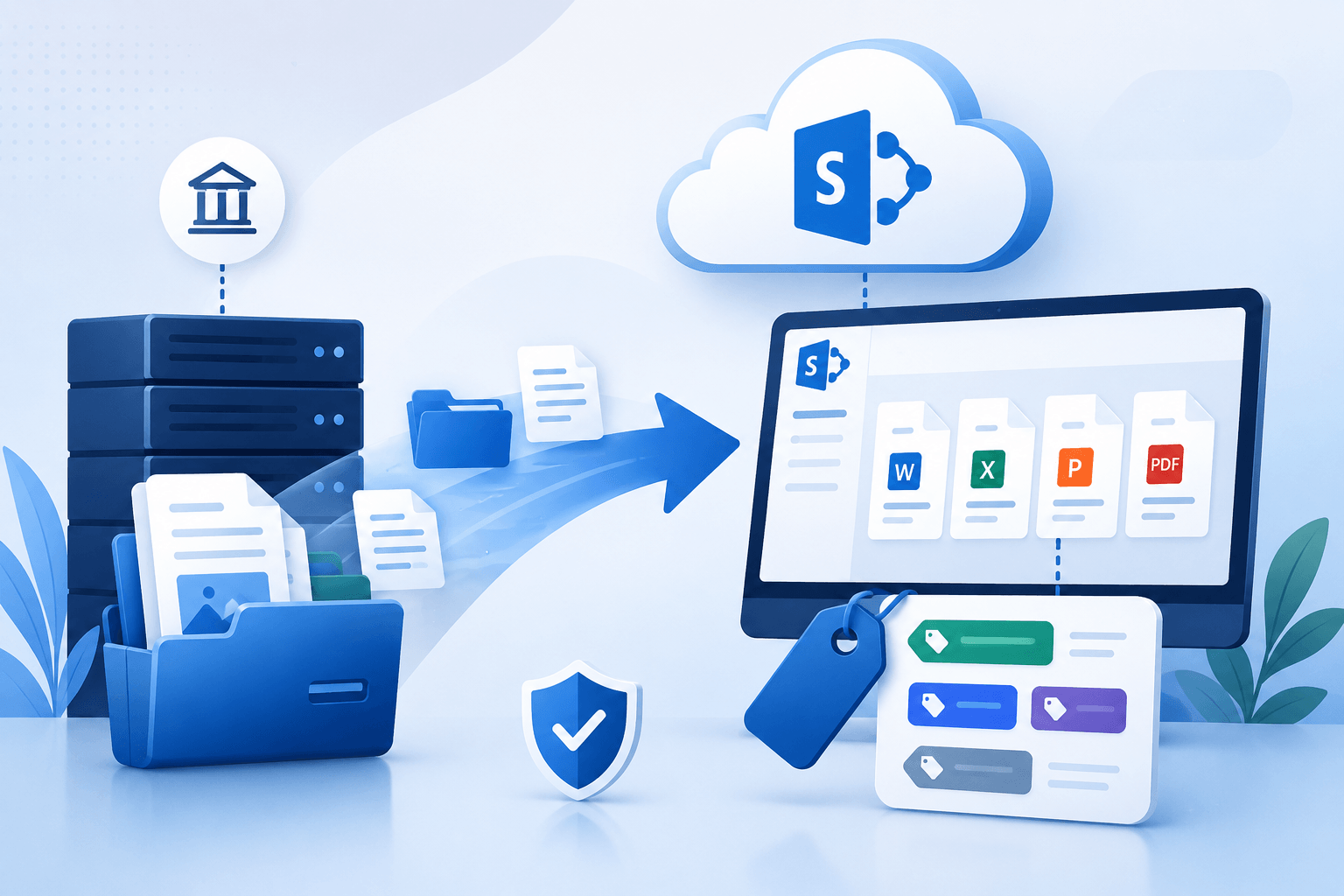
All Google Drive content, including Drive files, Google Docs, and Shared Drives, is migrated with intact folder hierarchies and filenames. Files are moved into OneDrive or SharePoint Online, maintaining organization and accessibility. Teams also benefit from a smooth transition to Microsoft Teams, preserving collaboration workflows across channels, documents, and shared projects.
Migration Challenges We Help You Solve
Even with careful planning, a Microsoft 365 migration comes with potential risks.
Understanding these challenges helps organizations prepare and ensure a smooth migration with minimal disruption.
Common Google Workspace Migration Challenges, Solved
Data
loss
accidental deletion or incomplete transfer of Google Drive, Shared Drives, and Drive files.
Folder hierarchies and filenames
misaligned accounts or incorrect folder structure can block access to critical email or calendar items.
User
accounts
large mailbox sizes, calendar events, and public folders need careful handling to preserve data integrity.
Complex migrations
managing large data volume or multiple Google Workspace domains.
End user Experience
avoiding confusion during the switch to Microsoft Teams, OneDrive, and Office apps.
“
Addressing these challenges requires a clear migration plan, the right tools, and migration support that guides your organization through every step. WME’s experience ensures these risks are controlled, so teams stay productive and data integrity is preserved.
Make the switch your team will thank you for, without disruption.
Finding the Right Migration Strategy
Organizations can choose between different migration options depending on their size, complexity, and goals.
Manual Methods
For smaller environments or simple migrations, manual methods may work. This includes exporting G Suite data using CSV files or JSON files and manually importing them into Exchange Online or SharePoint Online. While feasible for a few user accounts, manual processes can be time-consuming and increase the risk of errors.
Automated Migration Tools
For medium and large organizations, WME uses third-party tools and the Batch Migration Tool to handle migration scenarios efficiently. These tools automate file migration, email migration, and user account setup, preserving folder hierarchies and filenames while maintaining full data integrity. Automated approaches are faster, safer, and reduce disruption for end users.
WME Migration Process
WME follows a structured migration process to ensure your migration is predictable and stress-free. Our approach combines step-by-step migration planning, technical precision, and ongoing Migration Support.
Planning and Environment Review
Preparing User Accounts
Email Migration
File Migration
Validation and Support
With WME’s methodical migration step-by-step approach, your organization experiences a successful migration while maintaining productivity and security.
Helping Your Teams Adapt to Microsoft 365
A Microsoft 365 migration is only successful if end users can work efficiently on the new platform from day one. WME focuses on making the transition seamless, protecting user experience while guiding teams through changes.
Our approach includes:
Preparing active users for new workflows in Microsoft Teams, Office apps, and SharePoint Online
Step-by-step onboarding for user accounts to minimize confusion
Guidance for accessing migrated Google Drive files and Shared Drives
Tips and best practices to ensure smooth collaboration and maximize user adoption
By focusing on end users, WME ensures a smooth transition and helps your teams quickly embrace Microsoft 365 without disruption.
File migration from Google Drive, Shared Drives, and Drive files with intact folder hierarchies and filenames
Email migration with zero disruption to email addresses
A controlled cloud migration using minimal downtime strategies
Secure handling of user accounts, Admin accounts, and client IDs
Compliance and governance via Microsoft 365 Admin Center
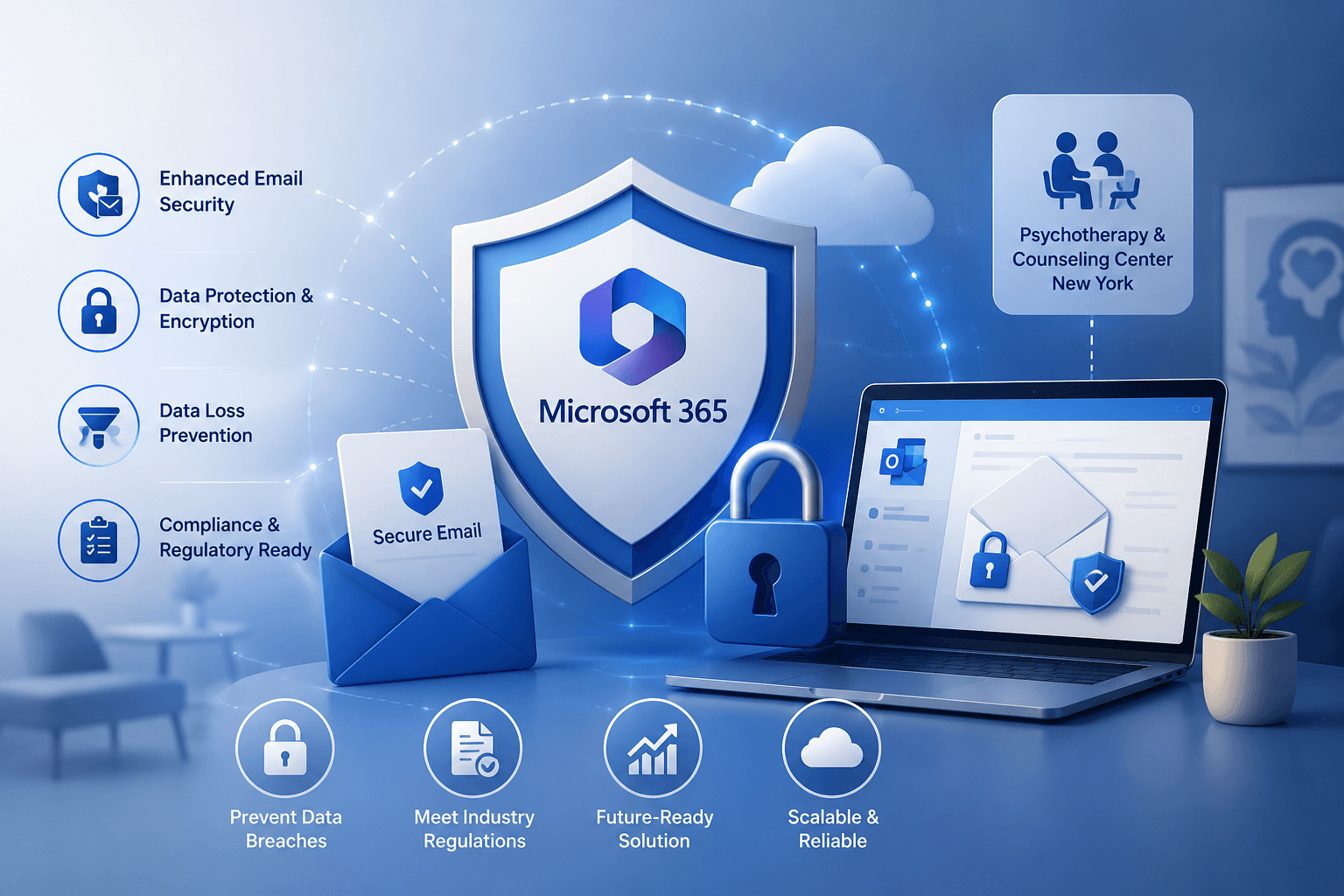
At WME, safeguarding your data is a top priority throughout the migration. Our migration process incorporates strong security measures to prevent data loss and maintain full data integrity at every step.
Our process is designed to deliver:
Security and Data Protection You Can Trust
REAL-WORLD MIGRATION RESULTS
See How We've Helped Organizations Modernize Their Microsoft Environments




Why Choose WME for Google Workspace Migration Services
Choosing the right partner is critical for a successful migration. With WME, migrate Google Workspace projects of all sizes, combining technical expertise with a migration step-by-step approach that ensures predictable results.