WME is a steadfast Microsoft collaborator that delivers top-tier Microsoft solutions and expert services. We strive to empower businesses to protect their SharePoint environments. We help them harness Microsoft Entra ID to further strengthen their SharePoint’s efficiency. Ultimately, we ensure that only authorised users can access your critical data.
Implementing Authentication Contexts with WME
We strengthen SharePoint security by seamlessly integrating Microsoft Entra Conditional Access policies. We customize these policies to specific sites/sensitivity labels. And, ultimately create an impenetrable firewall against illegal access.
READ: Best Practices for Migrating to SharePoint and OneDrive
Requirements & Licensing for authentication contexts for SharePoint
Your organization need to have one of the following licenses to utilize this innovation:
- Microsoft SharePoint Premium – SharePoint Advanced Management
- Microsoft 365 E5/A5/G5
- Microsoft 365 E5/A5 Compliance
- Microsoft 365 E5 Information Protection and Governance
- Office 365 E5/A5/G5
Addressing Compatibility Concerns
We rigorously test your apps/workflows under authentication context conditions.
However, some known limitations still exist:
✓ Older Office app versions
✓ Viva Engage
✓ Teams web app & OneNote app integration with Teams channels
✓ Teams meeting recordings & webinar scheduling
✓ SharePoint folder renaming in Teams
✓ Third-party apps & OneDrive sync
✓ Visualize SharePoint List in Power BI feature
✓ Outlook communication with authenticated SharePoint sites
✓ Multi-file download with session control & conditional access
WME’s Expert Setup of Authentication Contexts
Let’s Set Up an Authentication Context…
➡️ Find your way: Head over to Microsoft Entra Conditional Access. Look for “Authentication context.”
➡️ Start fresh: Click “New authentication context” to begin.
➡️ Add the details: Give your context a clear name and description. Don’t forget to check “Publish to apps.”
➡️ Save it up: Hit save to finalize your new authentication context.
READ: Benefits of SharePoint Business Process Automation
Creating A Conditional Access Policy
Our team will guide you through creating a personalized conditional access policy:
➡️ Get started: Create a new policy in Microsoft Entra Conditional Access.
➡️ Name it: Give your policy a clear, easy-to-remember name.
➡️ Choose your users: Select “Guest or external users” and then pick “B2B collaboration guest users.”
➡️ Set the conditions: Under “Cloud apps or actions,” choose “Authentication context.” Now, select the context you created.
➡️ Grant access: On the “Grant” tab, decide on the terms of use. Now, turn on the policy.
Applying Authentication Contexts
Direct Application to SharePoint Sites…
WME can directly apply authentication contexts using PowerShell / Sensitivity Labels
We’ll help you strengthen security by setting up sensitivity labels with authentication contexts:
➡️ Find your label: Edit an existing sensitivity label. Or, create a new one in the Microsoft Purview compliance portal.
➡️ Set the sharing rules: Select “External sharing and Conditional Access settings.”
➡️ Enable protection: On the “Define external sharing and device access settings” page, turn on “Use Microsoft Entra Conditional Access to protect labelled SharePoint sites.”
➡️ Choose wisely: Pick the right authentication context for your needs. Now, save the label.
Blocking Background Apps (Preview Feature)
WME can configure policies to block background apps from accessing authenticated sites. You can enable this feature via this PowerShell cmdlet:
Set-SPOTenant -BlockAPPAccessToSitesWithAuthenticationContext $false/$true (default false)
Detailed Overview of WME SharePoint Services
SharePoint Migrations
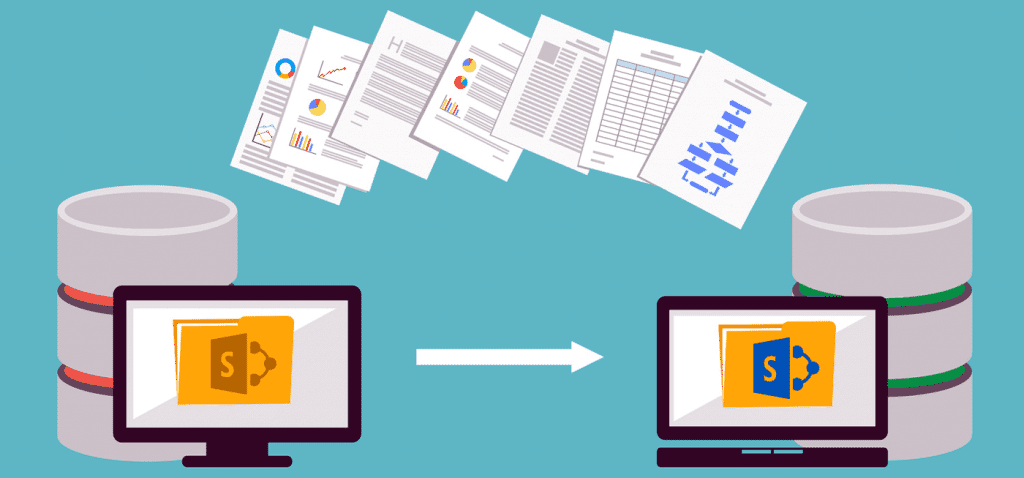
➡️We’ll chart your course to SharePoint.
➡️Your data moves safely to its new home.
➡️Your team will be SharePoint pros in no time.
CTA: Contact Our SharePoint Experts Now
Customize Your SharePoint
➡️Your SharePoint, your way.
➡️Everything connected, smoothly.
➡️Let’s automate the busy work.
➡️We’ll manage your SharePoint, so you don’t have to.
➡️Your data is behind a strong security wall.
➡️Your SharePoint will always be speedy.
READ: Securing Exchange Online and SharePoint in a Hybrid Environment
Govern Your SharePoint
➡️Clear rules for SharePoint success.
➡️We’ll protect your data with tight controls.
WME SharePoint Expertise
➡️Your goals are our mission.
➡️Let’s make your SharePoint perfect.
FAQs: Conditional Access Policies With Entra ID For SharePoint
What is an authentication context?
An authentication context is a defined security perimeter established for a particular resource. It imposes specific conditions / access controls to protect its integrity.
How do I know if my organization has the required licenses?
You can check your current licensing status in M365 admin center. If you need assistance, WME can help you review/upgrade your licenses.
What should I do if my apps are incompatible with authentication contexts?
WME recommends testing all apps on a site with authentication context enabled. Then, you can proceed with full deployment. We can also help you find alternative solutions for incompatible apps.
How can WME help with the implementation of conditional access policies?
WME offers end-to-end solutions, i.e. SharePoint Assessment, Planning, Implementation, etc. We also offer ongoing support to ensure your SharePoint is always compliant.
Windows Management Experts
We Are Now A Microsoft Solutions Partner for:
✓ Data & AI
✓ Digital and App Innovation
✓ Infrastructure
✓ Security
Know the Impact of Microsoft Solution Partner Status The Solutions Partner badge highlights WME’s excellence and commitment. Microsoft’s thorough evaluation ensures we’re skilled, deliver successful projects, and prioritize security over everything. This positions WME in a global tech community, ready to innovate on the cloud for your evolving business needs.